AI Food Photography Hacks: Studio-Quality Images Without Expensive Gear
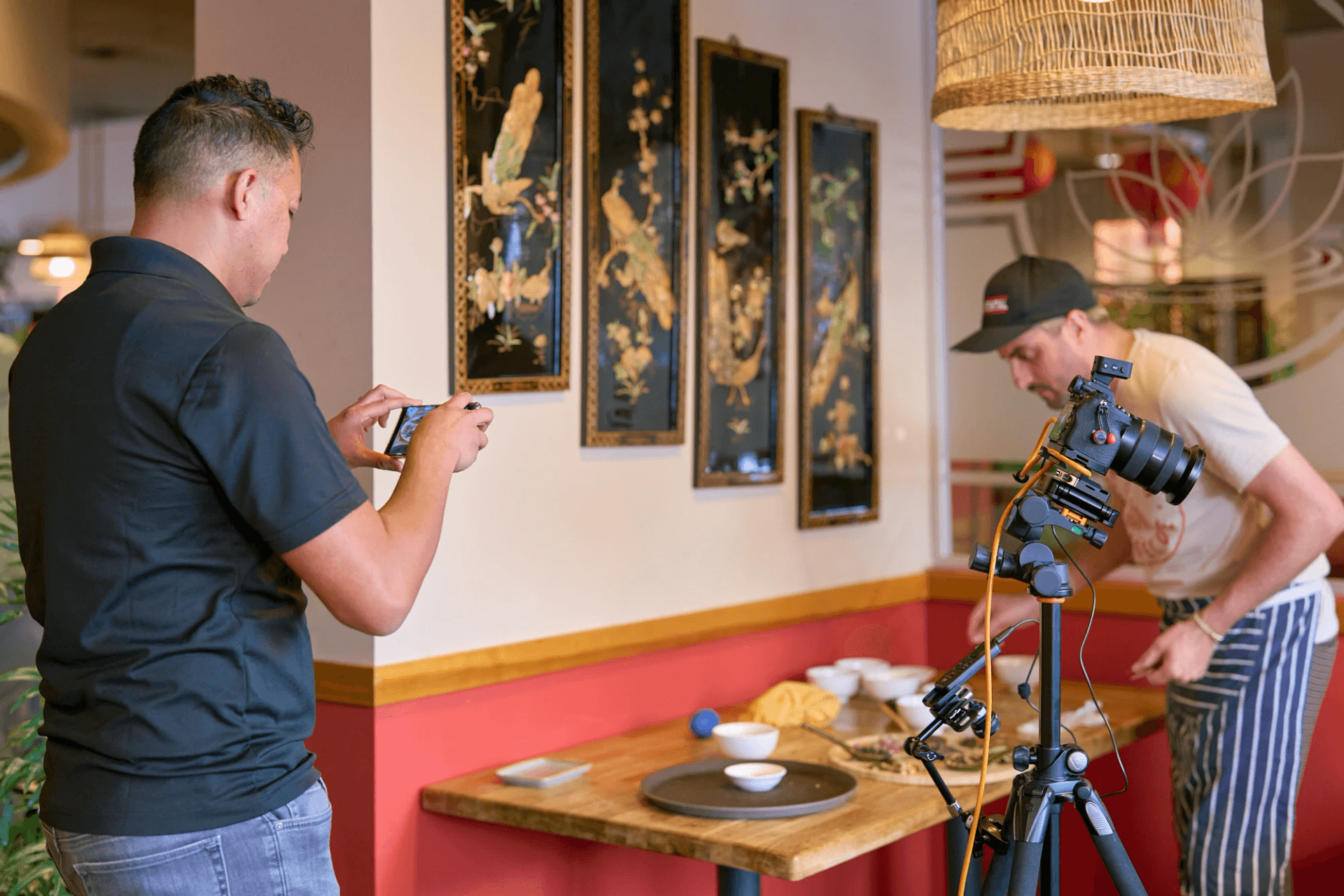
If you’ve ever looked at clean, scroll-stopping food photography and thought you needed a full photography studio to pull it off, I get it. When I first started shooting for CPG brands, I thought I needed every piece of expensive gear possible to keep up.
I know how detailed food images need to be. But here’s the good part. With the right AI tools and a few tricks, you can level up your food photoshoot workflow without spending a ton on equipment.
I use AI every week across real client projects. Not to replace creative work, but to speed things up, spark ideas, and refine the direction before I ever pick up a camera. Let me walk you through the exact hacks that help me create studio-quality product photos even when the setup is simple.
Let AI Kickstart Your Ideas When You Hit Creative Block
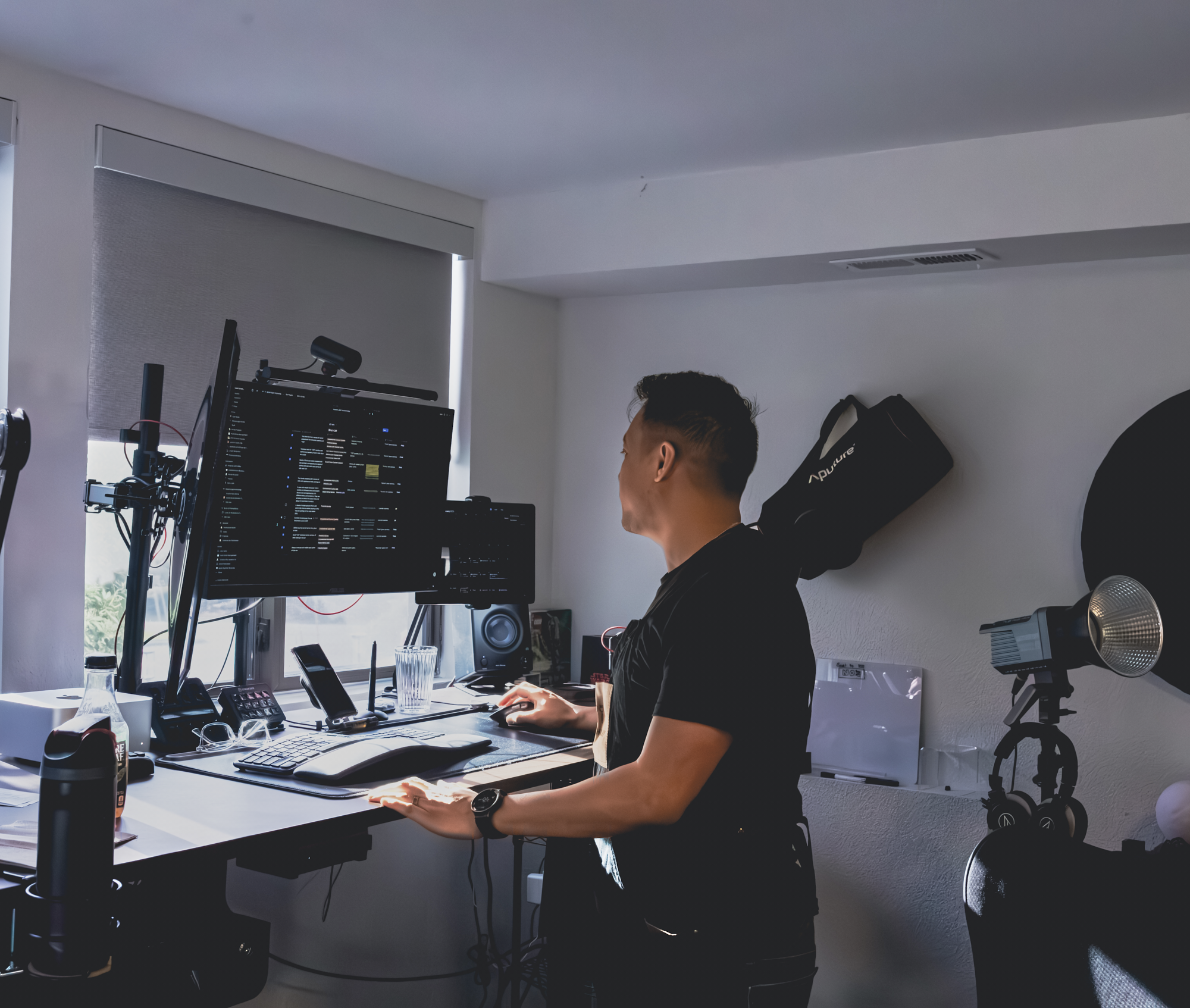
Whenever I’m stuck or juggling multiple CPG brands in one week, I’ll use AI for brainstorming. Sometimes I feed it flavor notes, textures, or packaging colors and ask for creative angles. It gives me a quick push, and then I shape the idea into something that fits the brand imagery. This keeps the concept strong while still staying true to the client.
And trends show more creators are doing the same. A report shared that 54% of marketers are now using AI for idea generation before adapting concepts for brand use. That’s exactly how I use it.
Start With a Shot List You Can Visualize
One of the biggest game changers for me has been using AI to generate sample visuals before a shoot. This helped everyone see the same idea at the same time. I use ChatGPT and Google Gemini to create quick sample frames so clients can preview the angle, lighting, and overall feel.
It keeps the whole team aligned and removes a lot of guesswork for founders or creative directors who want clarity before approving a product shoot. Everyone saw the angles and lighting direction before any food styling began.
Build Studio-Style Lighting With Simple Tools
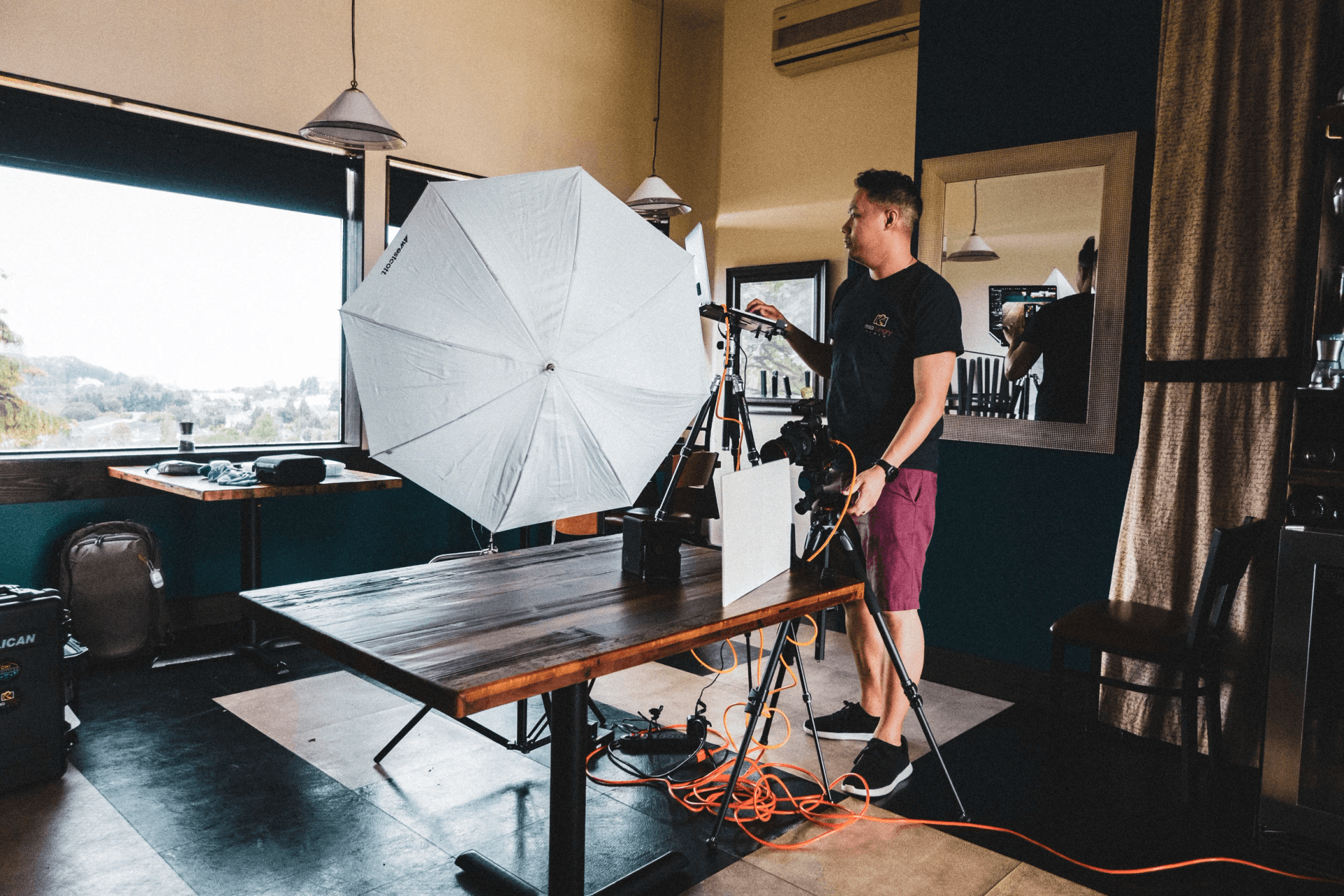
Here’s where people often get stuck. They assume studio-quality food photography requires multiple expensive lights, specialty modifiers, heavy-duty stands, and a giant backdrop system. You don’t need any of that to get started.
When I started out, I was using one LED light, paired with one softbox, a foam board bounce, and occasionally a natural window light when it’s available.
Before I set anything up, I use AI to test lighting. I generate mockups that show how shadows or highlights fall across a product. This gives me a preview of what the final photo could look like. It’s quick, simple, and saves me from setting up five lighting tests.
Adobe has a helpful breakdown on lighting basics for still-life photography, which pairs well with AI planning. Small setups can look expensive when the lighting is intentional.
Use AI To Speed Up Editing Without Losing Your Style
Good food photography still needs a human touch. But AI can make the technical parts faster.
For example, Photoshop’s AI cleanup tools help me remove crumbs, fix reflections, or smooth surfaces when editing beverage photos. It’s not perfect yet. Sometimes AI gets confused and gives me a weird-looking patch. That’s when I jump back in with traditional tools and do it by hand. But the time saved helps me focus on the parts I enjoy most, like color grading and sharpening the textures in images.
And the trend is clear. According to a study, companies using AI-assisted workflows in ecommerce content production are now delivering creative 30% faster. That speed is real, especially when clients need content on tight timelines.
Know When To Step Back In
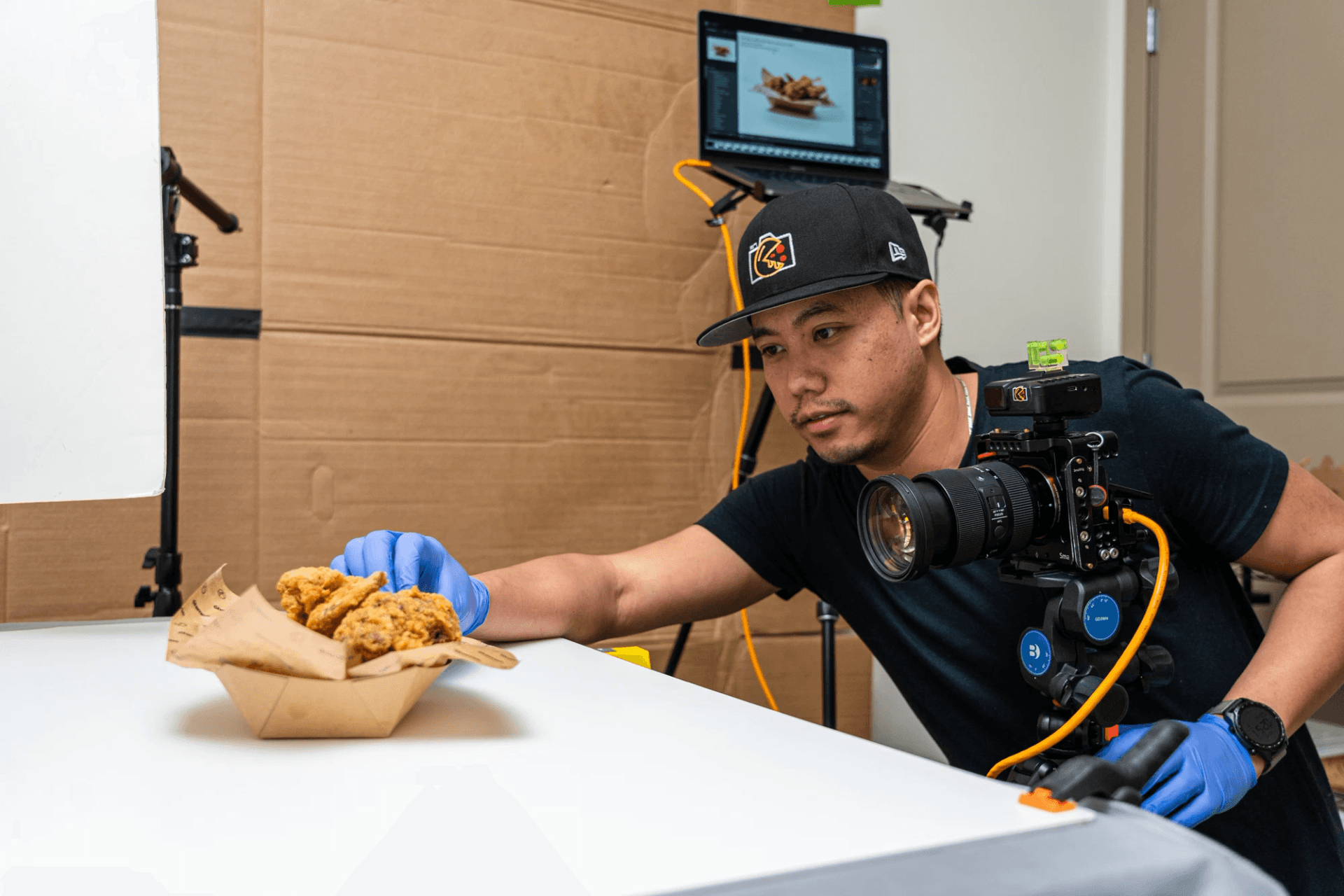
AI isn’t perfect. And honestly, it shouldn’t replace your eye. Some clients don’t even realize I use AI in the workflow because everything still looks natural. I never let AI override the final creative choices. I want the food photography to look believable, crisp, and true to the product.
My approach is simple. AI speeds things up, then I finish everything by hand. And together, it helps me take on more projects and support more food and beverage brands.
Food Photography Still Needs Your Eye
If you’re building an online store or refreshing your brand photography, AI can help you create stronger food images without the cost of full studio gear. It’s a tool you can shape to fit your process, not something that replaces your creative control.
Food photography still needs your eye, your taste, and your ideas. AI just gives you a faster path to get there.
Want help creating product photos or a stop motion video for your next launch? Reach out anytime. I’m always down to collaborate as your Creative Partner Guru.