
Amazon Product Photography Requirements: Complete Guide for Food Brands
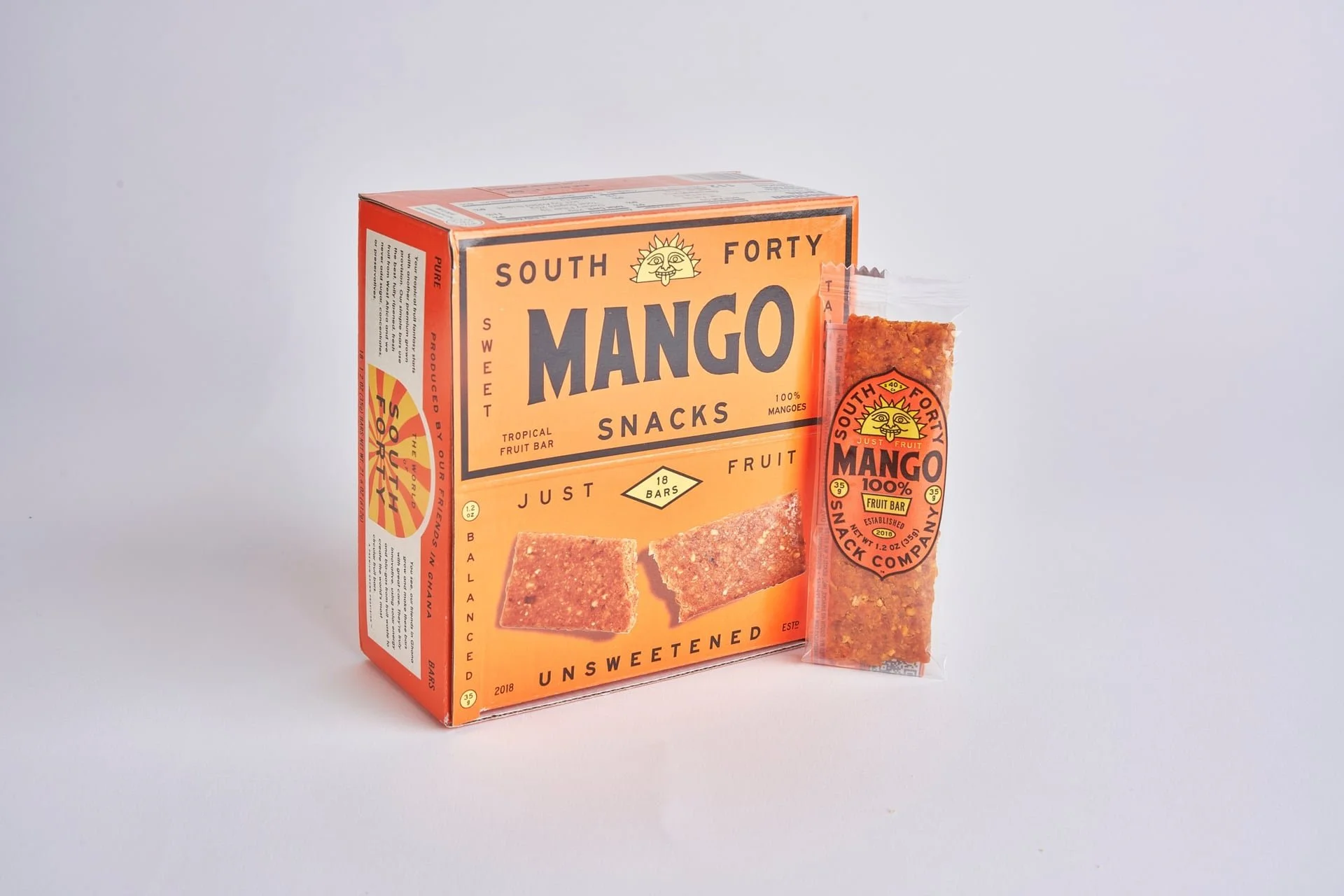
If you sell food on Amazon, your photos do most of the talking. Before shoppers read a single bullet or ingredient list, they judge your product by the images. I have seen incredible food brands struggle on Amazon simply because their Amazon product photography did not meet platform rules or shopper expectations.
So let’s fix that.
In this guide, I am walking you through Amazon image requirements, what gets listings rejected, and how to use e-commerce photography to actually drive sales.
Amazon Main Image Requirements
Let’s start with the most important image in your listing. The main image.
Amazon is strict here, and for good reason. They want consistency across the marketplace. If it does not follow Amazon rules, your listing can get suppressed or rejected.
Here is what Amazon requires for the main image:
Product only. No props, text, or badges
Pure white background.
The product must fill at least 85 percent of the frame.
No packaging cutoffs or cropped logos
For food brands, this usually means clean packaging shots. Even if your product looks better styled, save that for secondary images. I always tell clients this. Think of the main image as your ID photo. It is not the place to show personality; it is the place to be clear and compliant.
Amazon wants clarity first, creativity second. In fact, listings that follow image requirements are more likely to stay active and rank consistently.
Technical Specifications You Cannot Ignore
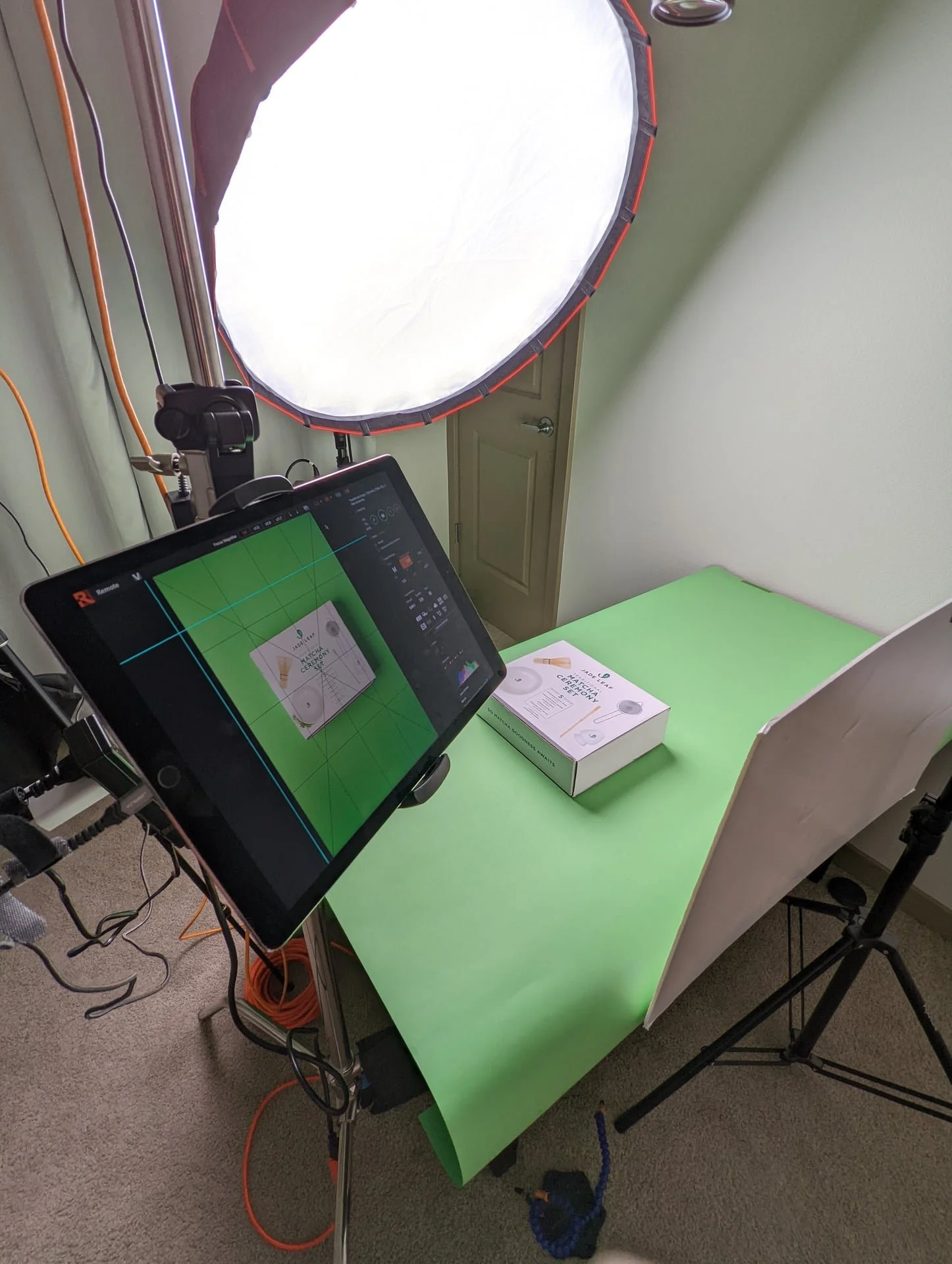
Once your composition is correct, the technical details matter just as much.
Amazon technical image requirements include:
Minimum size: 1000px on the longest side
Recommended size: 2000 to 3000px for zoom
File formats: JPEG, PNG, TIFF
Color mode: sRGB
If your image is under 1600 pixels wide, shoppers will not get zoom functionality. That alone can hurt conversions, especially for food where buyers want to read labels, see texture, and inspect ingredients.
This is where professional e-commerce photography makes a real difference. High-resolution images with clean lighting hold up under zoom. Phone photos almost never do.
Infographic Image Best Practices for Food Brands
After the main image, this is where food brands can really shine. Infographic images help answer shopper questions quickly. When done right, they reduce friction and increase confidence.
Strong infographic images usually include:
Key ingredients or flavor callouts
Nutrition highlights
Usage or serving suggestions
One trend I am seeing more of is clean, minimal infographics designed specifically for mobile. Most Amazon shoppers are on their phones. If your text is tiny or cluttered, it gets skipped.
The key is balance. Keep text readable on mobile and never overcrowd the frame. Clean typography and consistent brand colors go a long way. Data shows that product pages with clear visual information improve engagement and reduce hesitation. That applies directly to Amazon listings as well.
Common Mistakes That Get Listings Rejected
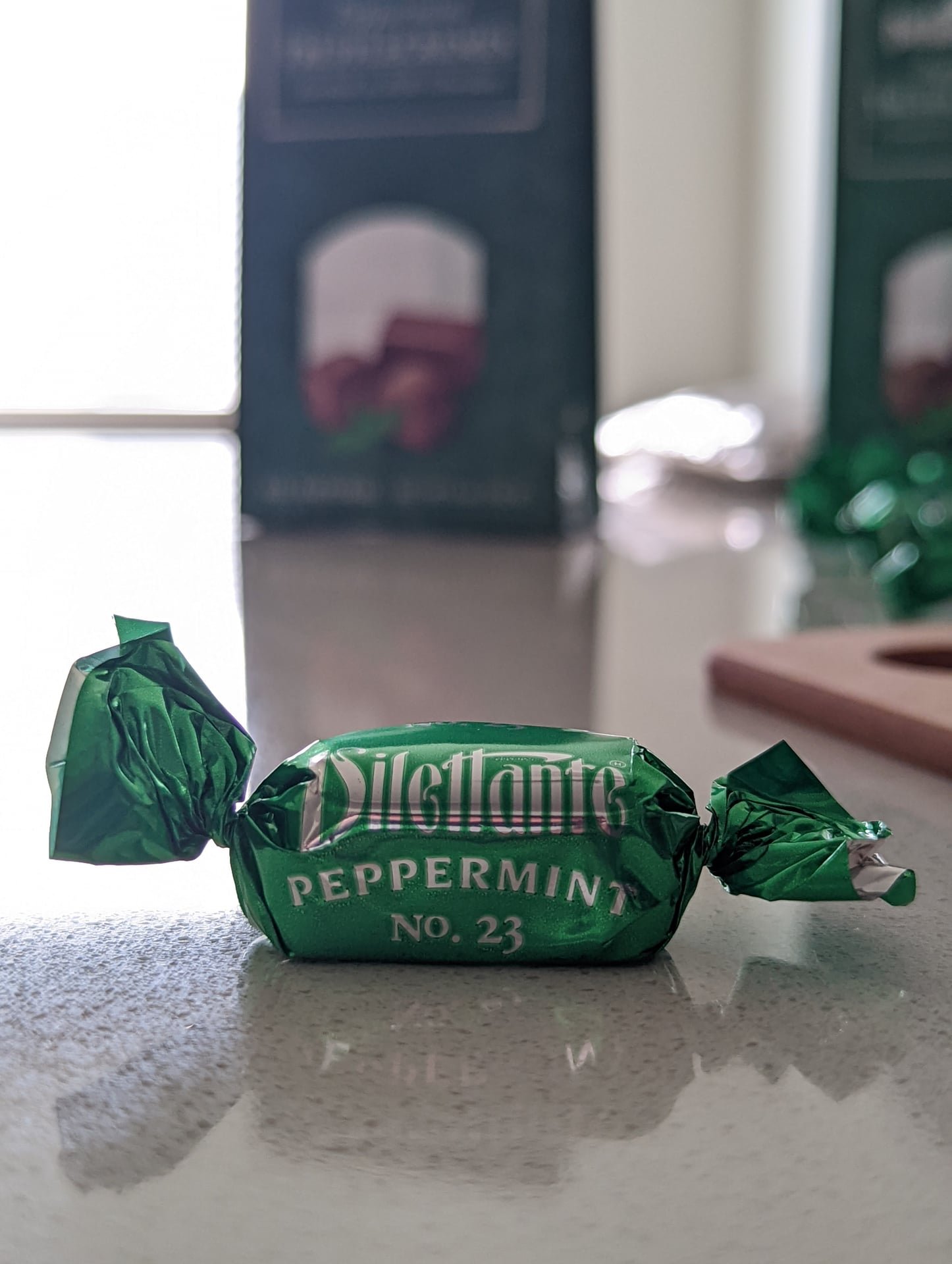
I see these mistakes constantly, even from established brands. Here are the most common ones:
Off-white or gray backgrounds instead of pure white
Text or graphics added to the main image
Lifestyle shots used as the primary image
Low-resolution images that pixelate on zoom
Packaging cropped too tightly
Sometimes listings go live with these issues, but that does not mean they are safe. Amazon reviews listings continuously, and images can get flagged later. Fixing these mistakes early saves lost revenue and headaches.
How to Optimize Amazon Product Photography for Conversions
Once your images meet Amazon image requirements, the goal shifts from approval to performance. Here is the image order I usually recommend for food brands:
Clean, compliant main image
Secondary angle or packaging close up
Infographic highlighting benefits
Lifestyle image showing use or serving
Texture or ingredient detail shots
Brand story or comparison image
According to Amazon, listings with six to eight high-quality images often convert better than those with the minimum. More visuals answer more questions.
Before and After Examples That Show the Difference
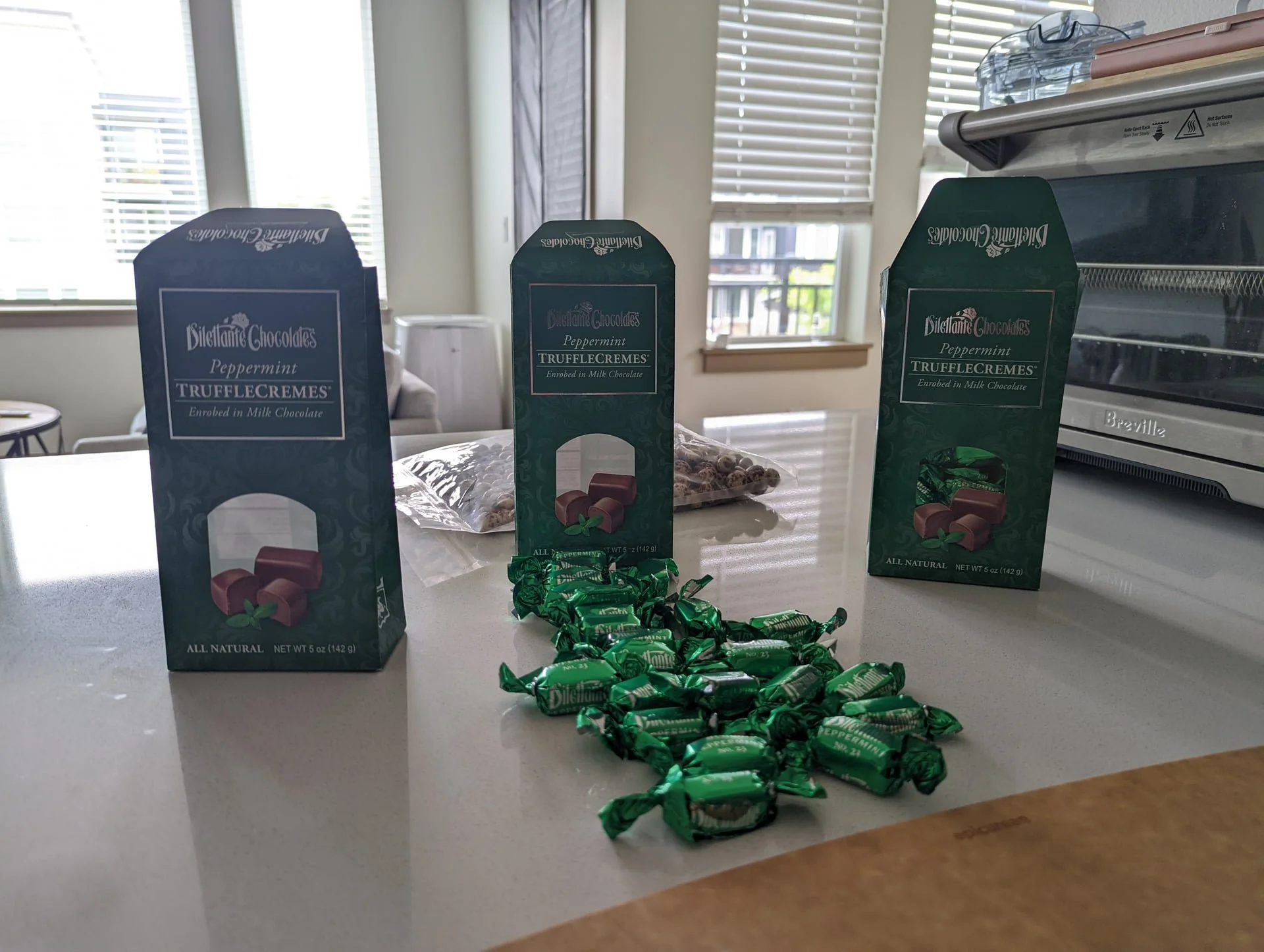
Before:
Flat lighting
Soft focus
Packaging details hard to read
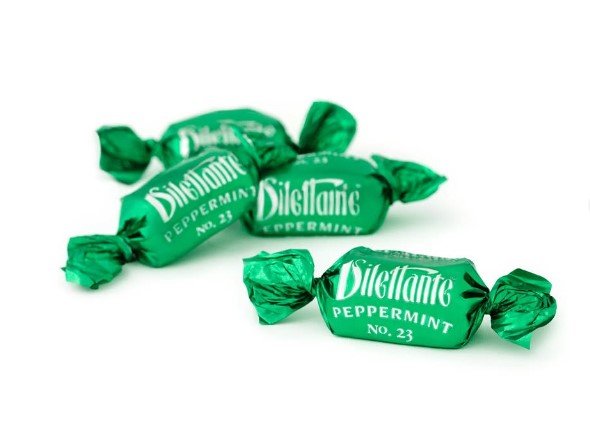
After:
Crisp lighting
Clear labels
Consistent framing
I have seen brands improve click-through rates simply by upgrading their product images to match platform standards and shopper behavior.
Smart Amazon Product Photography Turns Clicks Into Customers
Amazon product photography is not just about following rules. It is about building trust in seconds. When your images follow Amazon image requirements and use smart e-commerce photography strategies, shoppers feel confident buying your product.
If your images are holding your product back, let’s fix that. I help food brands create compliant, conversion-focused photography that feels true to their brand and works on Amazon.
I would love to help your brand show up strong and sell with confidence.
